
Write your first chapter with AI
Your book’s chapters are already planned in your conversation with AI. Now, in each chapter, you add your real stories and AI writes a clean chapter from them. Your words, your experience — AI only polishes.
-
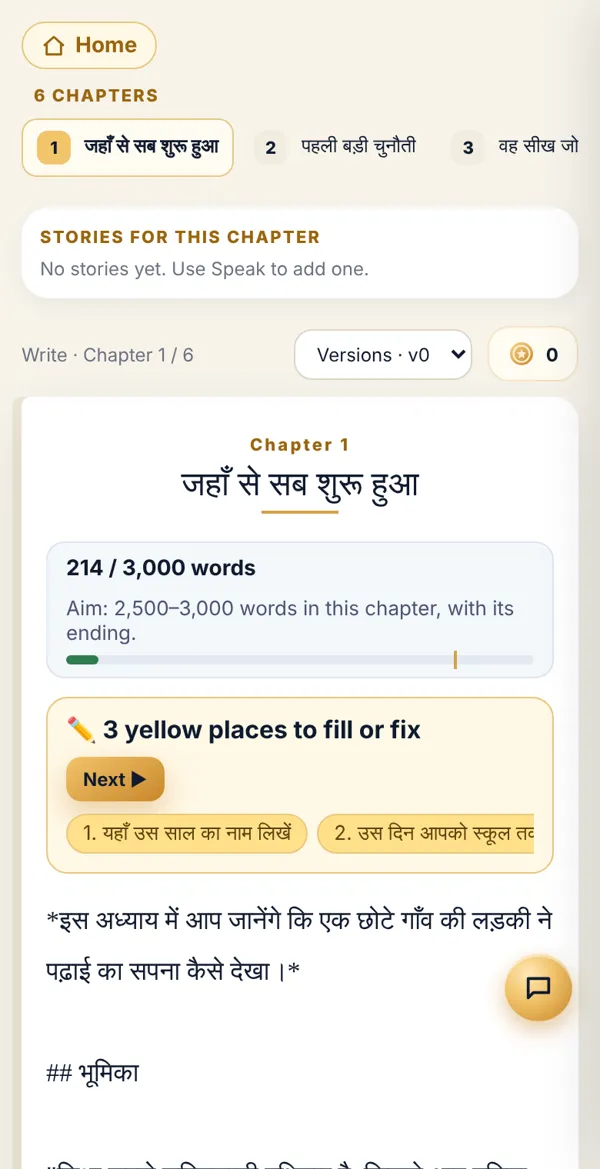
On the home page, in Book Studio, tap Write. A strip of chapters appears at the top — tap the chapter you want to write.
-
Give your story. Tap the golden Speak (mic) button at the bottom centre and talk, or type straight into the writing space. Spoken stories collect under Stories for this chapter.
-
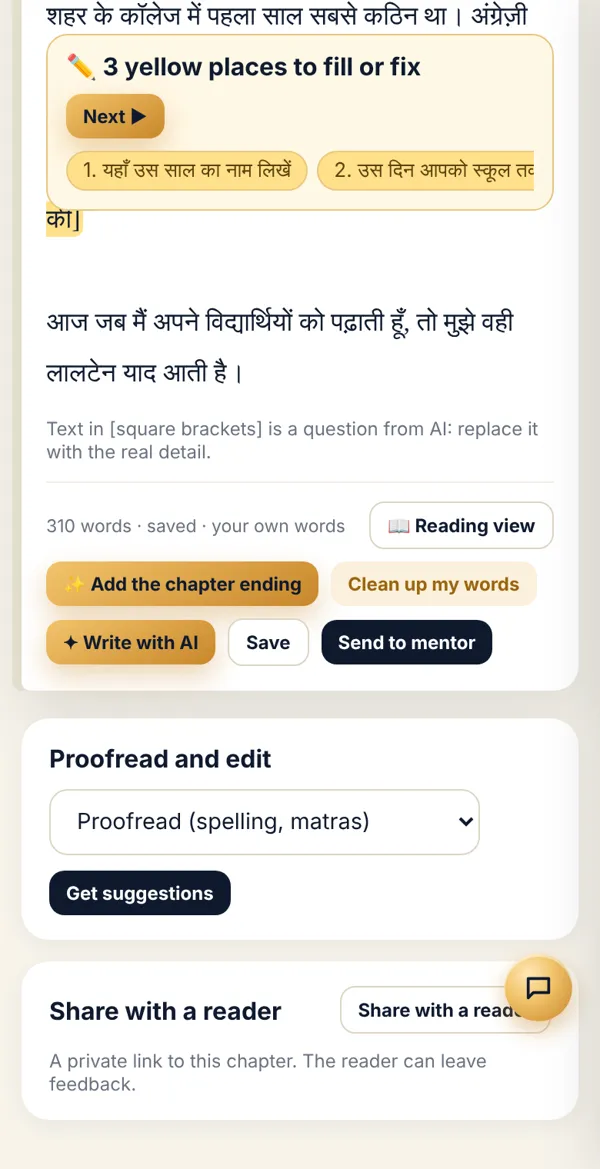
Tap ✦ Write with AI below. AI writes the full chapter from your stories — introduction, your story, lessons and the ending. It takes a minute or two.
-
Check the word meter at the top: how long the chapter is and what the target is. Then tap Save.
-
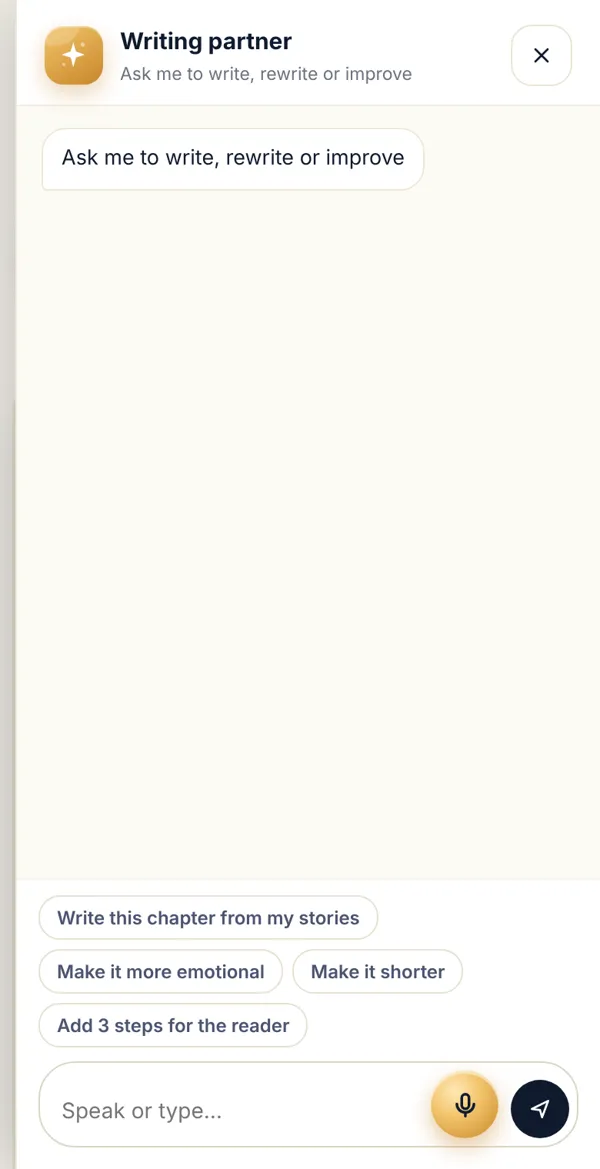
Want changes? The round 💬 button at the bottom right opens your Writing partner. Type a request or tap a ready button: “Make it more emotional”, “Make it shorter”, “Add 3 steps for the reader”.
-
When you’re happy, tap 📖 Reading view to read it all, or tap Send to mentor.
Done? Check it like this
Section titled “Done? Check it like this”Under the chapter you see “… words · saved”, and the chapter strip shows a word count for that chapter.
Stuck?
Section titled “Stuck?”- AI got something wrong: Fix it directly in the writing space and save. Or tell the writing partner, e.g. “My father was a farmer, not a teacher”.
- Some lines are yellow: Those are places where AI needs a real detail from you. See Fill the yellow places.
- “Not enough credits”: Writing with AI uses credits. Talk to your coach.
- Want an older version back: Pick an earlier saved version from the Version menu at the top.
Related articles
Section titled “Related articles”Thank you! This helps us improve the guides.