
Chapter ending and word limit
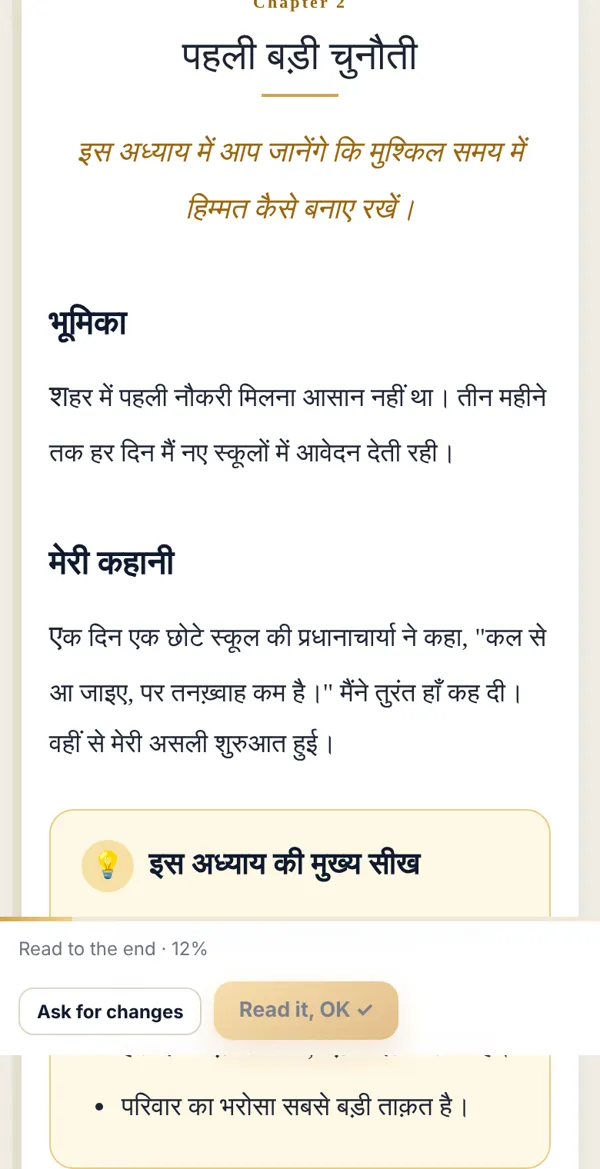
In every Book Virasat book, each chapter ends with the same set of neat boxes, so readers take something solid from every chapter. If a chapter has no ending, one button adds it.
The boxes that make the ending
Section titled “The boxes that make the ending”- Key lessons — 3–5 points from the chapter.
- Your action plan — what the reader should do starting today.
- Conclusion — the gist in two or three lines.
- In the next chapter — a glimpse of what’s next (The road ahead in the last chapter).
- References — where quotes or facts came from.
No ending? Add it
Section titled “No ending? Add it”-
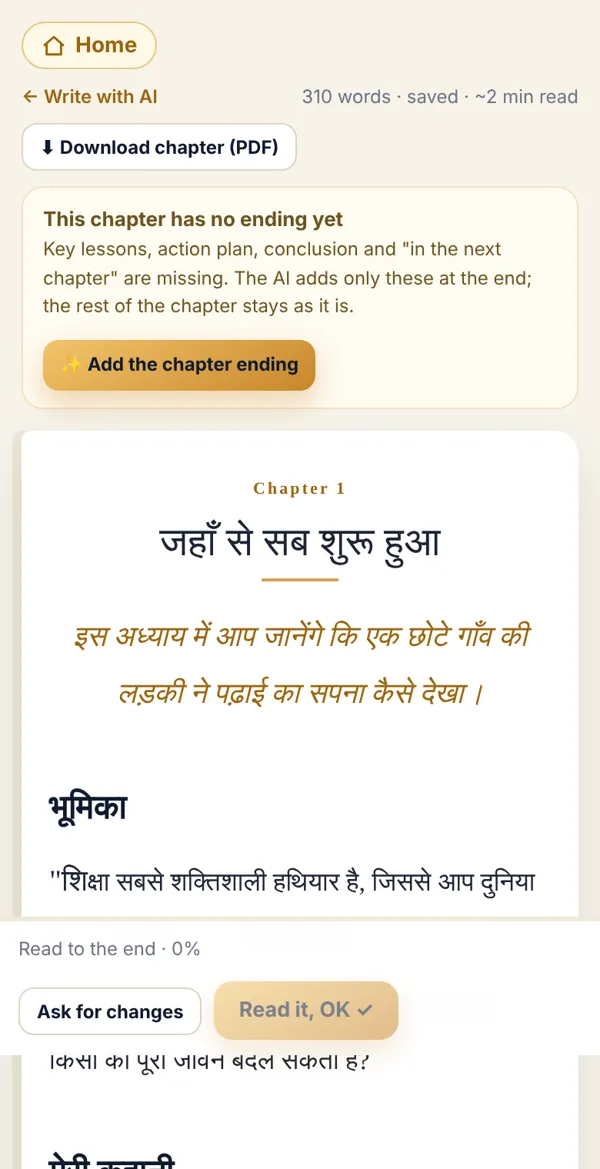
Open the chapter in 📖 Reading view. If there’s no ending, a golden note appears at the top: This chapter has no ending yet.
-
Tap ✨ Add the chapter ending. AI adds only the ending boxes — the rest of the chapter stays as it is.
-
When it’s done you’ll see Ending added. Scroll down to check.
The word limit
Section titled “The word limit”- Each chapter’s target, ending included, is usually 3,000 words.
- The word meter sits at the top of the writing screen. About 500 words before the target it reminds you: The chapter is nearly complete; move towards the conclusion and ending.
- When the limit is reached, AI finishes the chapter with its ending instead of cutting it mid-way.
- For your book the limit can be 2,000, 3,000 or 4,000 words — your coach sets it.
Done? Check it like this
Section titled “Done? Check it like this”The reading view shows the golden boxes at the end of the chapter, and the “no ending” note is gone.
Stuck?
Section titled “Stuck?”- The chapter looks cut off: Tap ✨ Add the chapter ending — it also completes the cut part.
- No button: The chapter already has an ending, or it is shorter than 150 words.
- I want longer chapters: Ask your coach; they can set 4,000 words for your book in Coach Desk.
Related articles
Section titled “Related articles”Was this guide helpful?
Thank you! This helps us improve the guides.