
Change or forgot your password
Your password should stay with you only. Changing it is easy.
-
Tap Me at the bottom and choose Change password.
-
Enter your Current password, then the new one twice (at least 8 characters), and tap Save password.
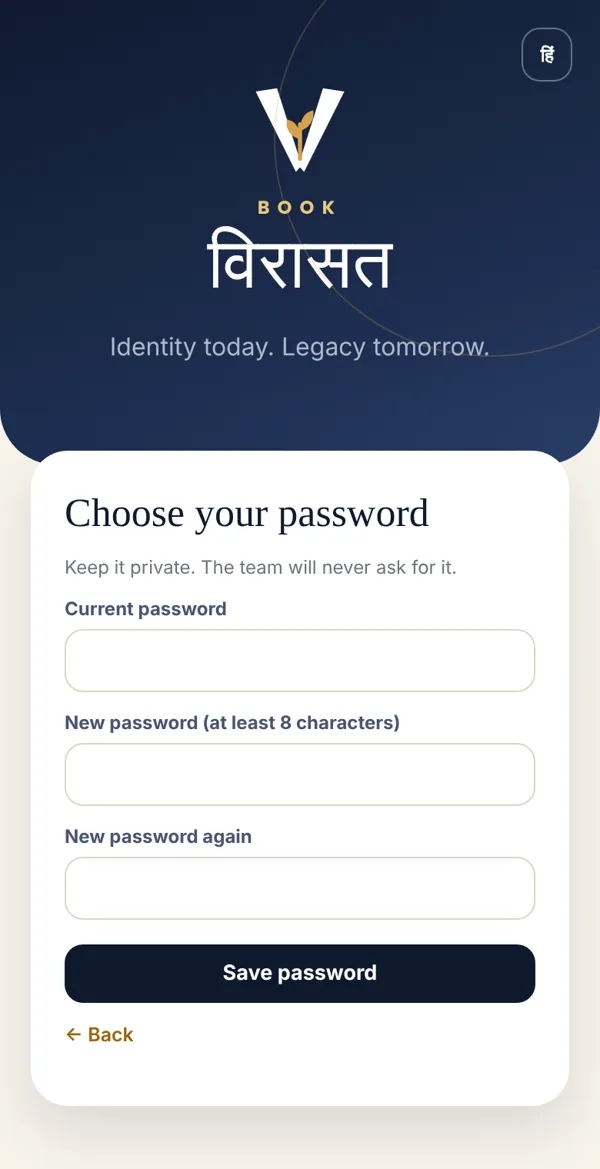
-
You’ll see Password changed.
Forgot it?
Section titled “Forgot it?”The login screen says: Forgot your password? Ask your coach for a new one. Your coach gives you a new password from Coach Desk — by phone call or in person. Choose your own again right after logging in.
Done? Check it like this
Section titled “Done? Check it like this”Log out and log back in with the new password.
Stuck?
Section titled “Stuck?”- “The two new passwords don’t match”: Type exactly the same password in both boxes.
- Password too short: Use at least 8 characters.
Related articles
Section titled “Related articles”Was this guide helpful?
Thank you! This helps us improve the guides.